Technology
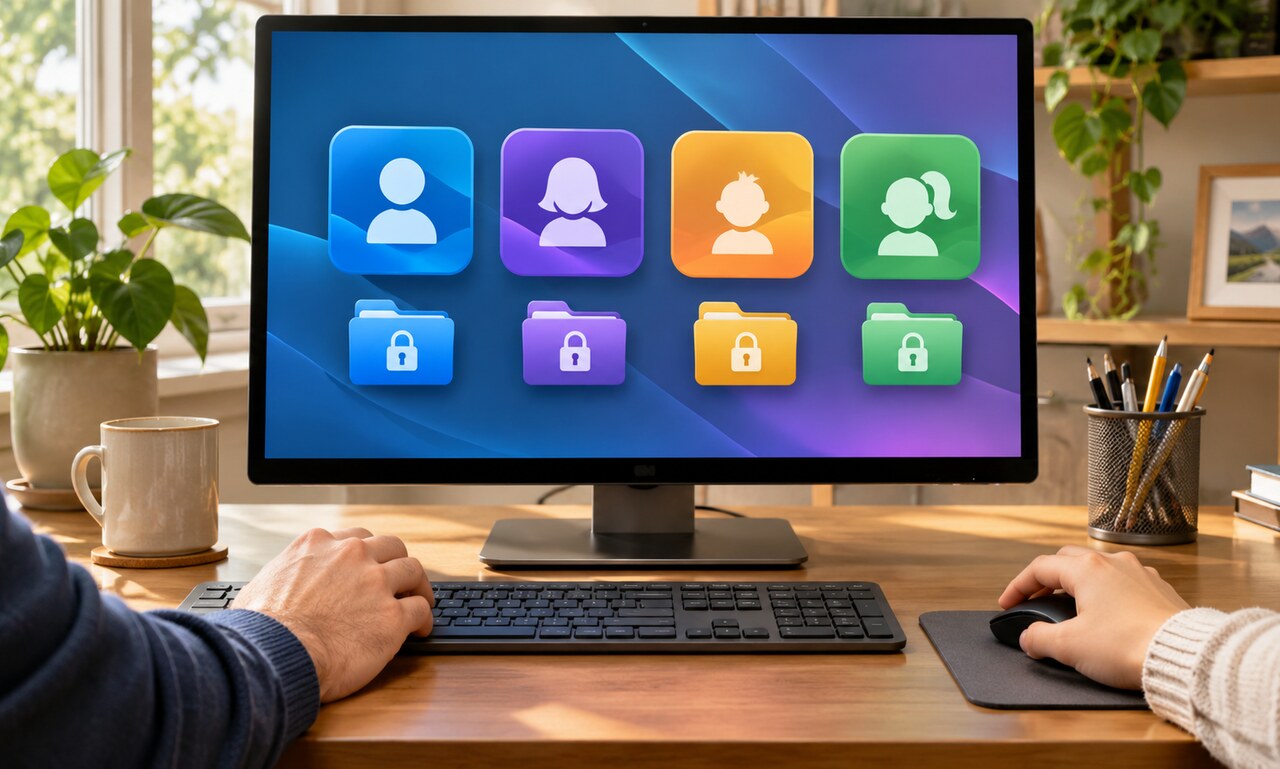
Shared computers are safer with separate user accounts
Individual profiles keep browser sessions, documents and settings apart while reducing the chance that one person changes or exposes another person’s information.
Context, useful questions and ideas worth your time.
Individual profiles keep browser sessions, documents and settings apart while reducing the chance that one person changes or exposes another person’s information.
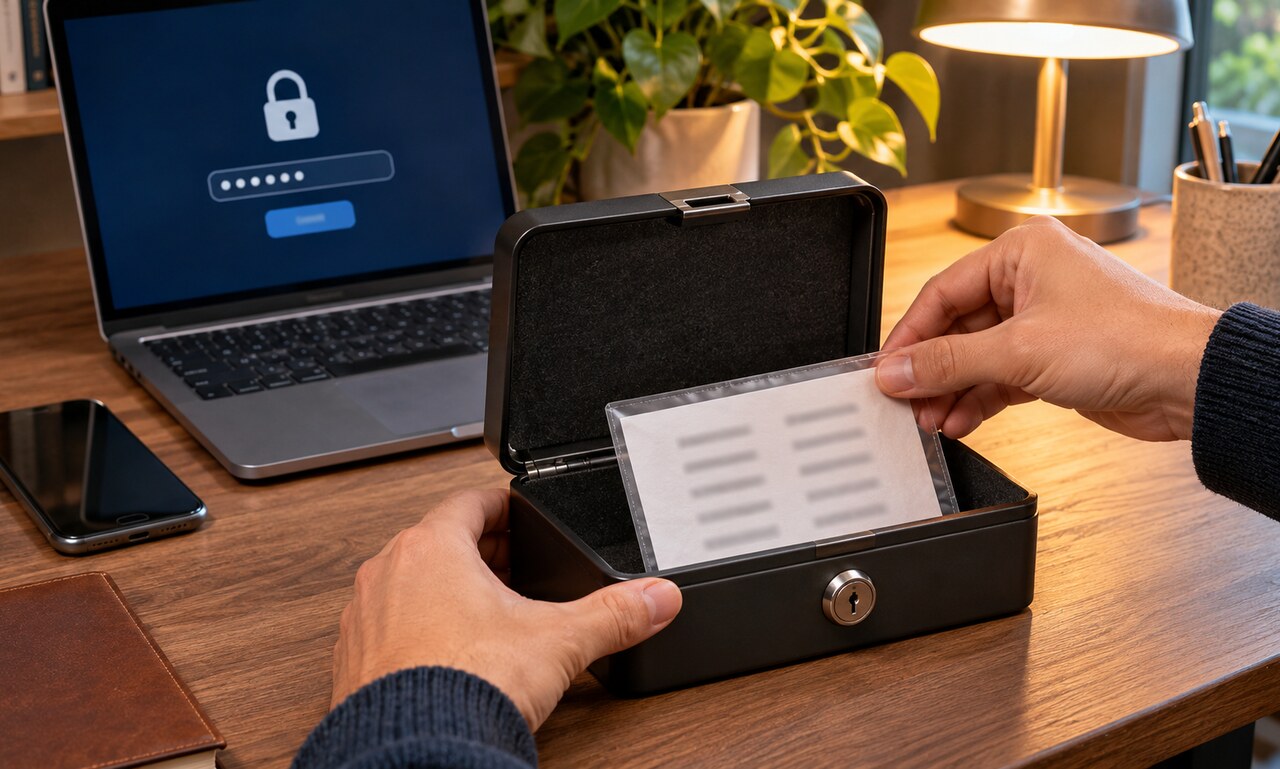
Recovery codes can bypass the usual second step on an account, so each unused code needs the same protection as a password.
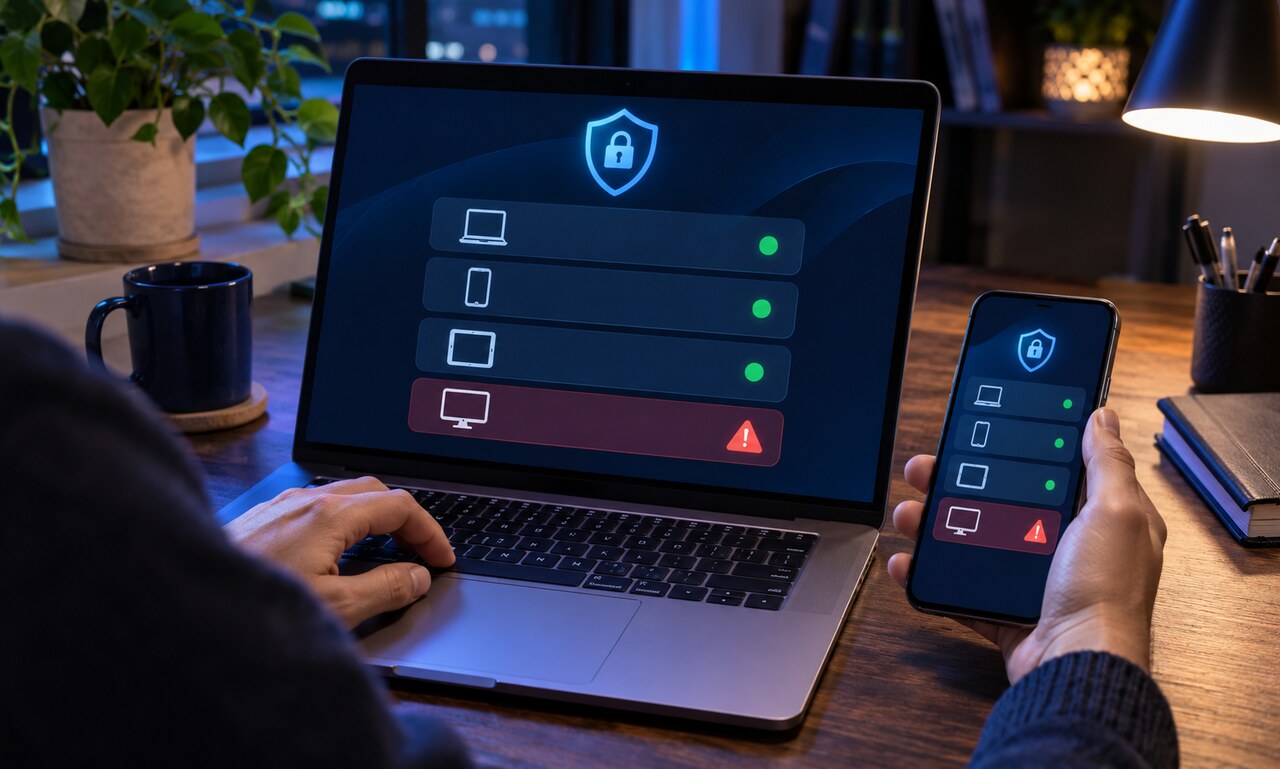
Changing a password is important, but signed-in sessions, recovery methods and trusted devices also need attention after a phone or computer disappears.
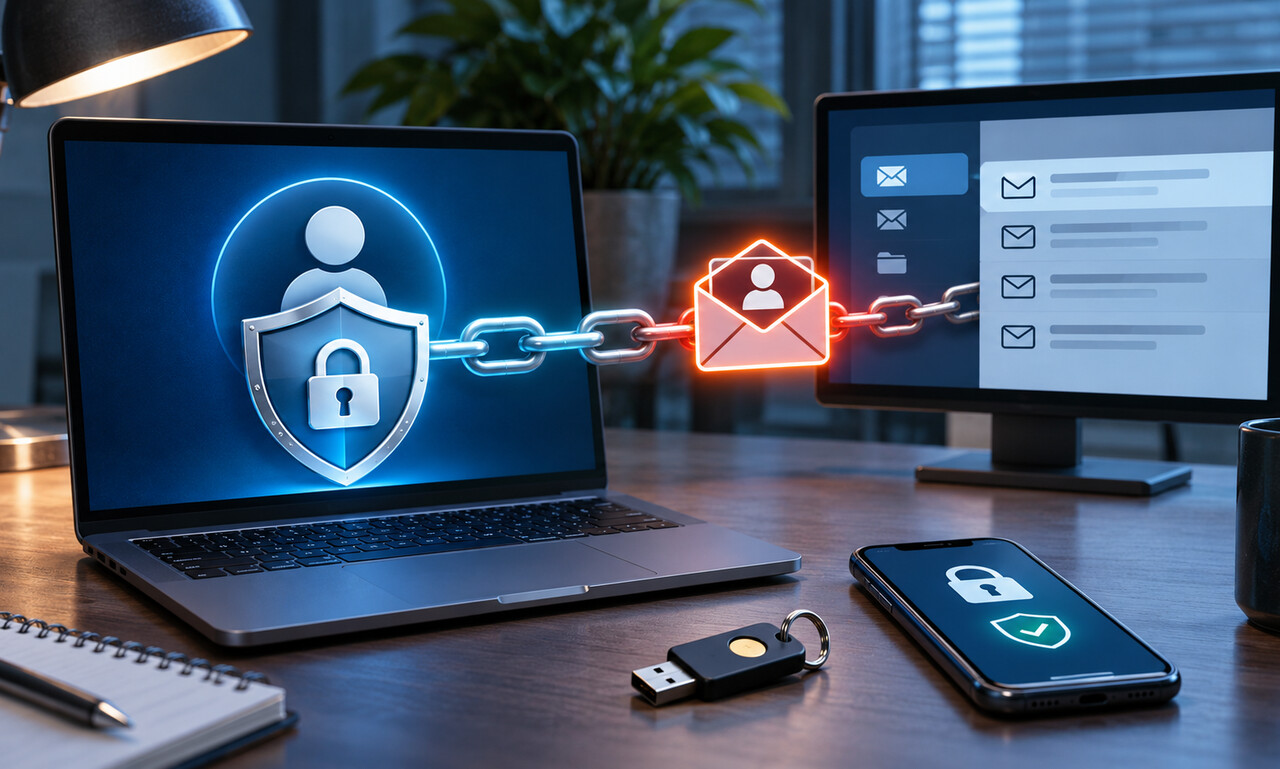
A well-protected account may still be reset through an older mailbox with a reused password, weak verification or forgotten access.
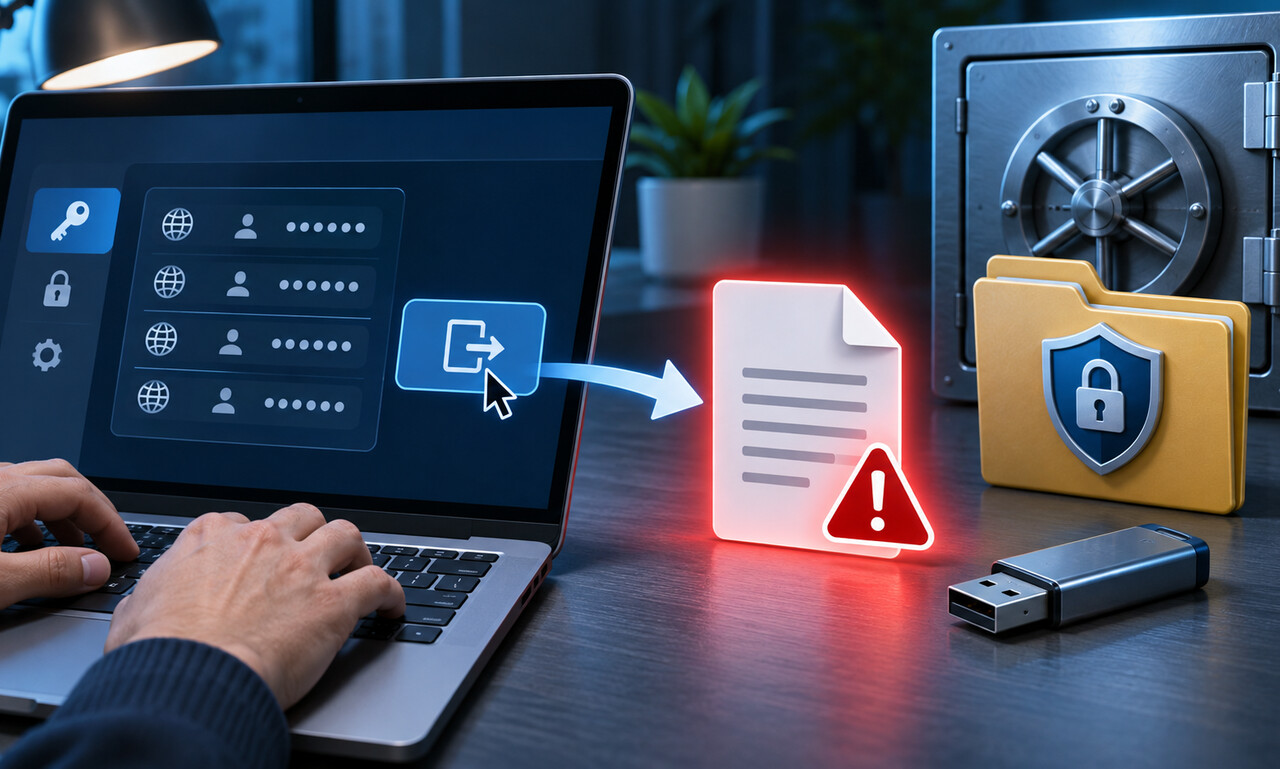
A password export may place every saved login into a readable document. The file needs immediate protection and secure deletion after its intended use.
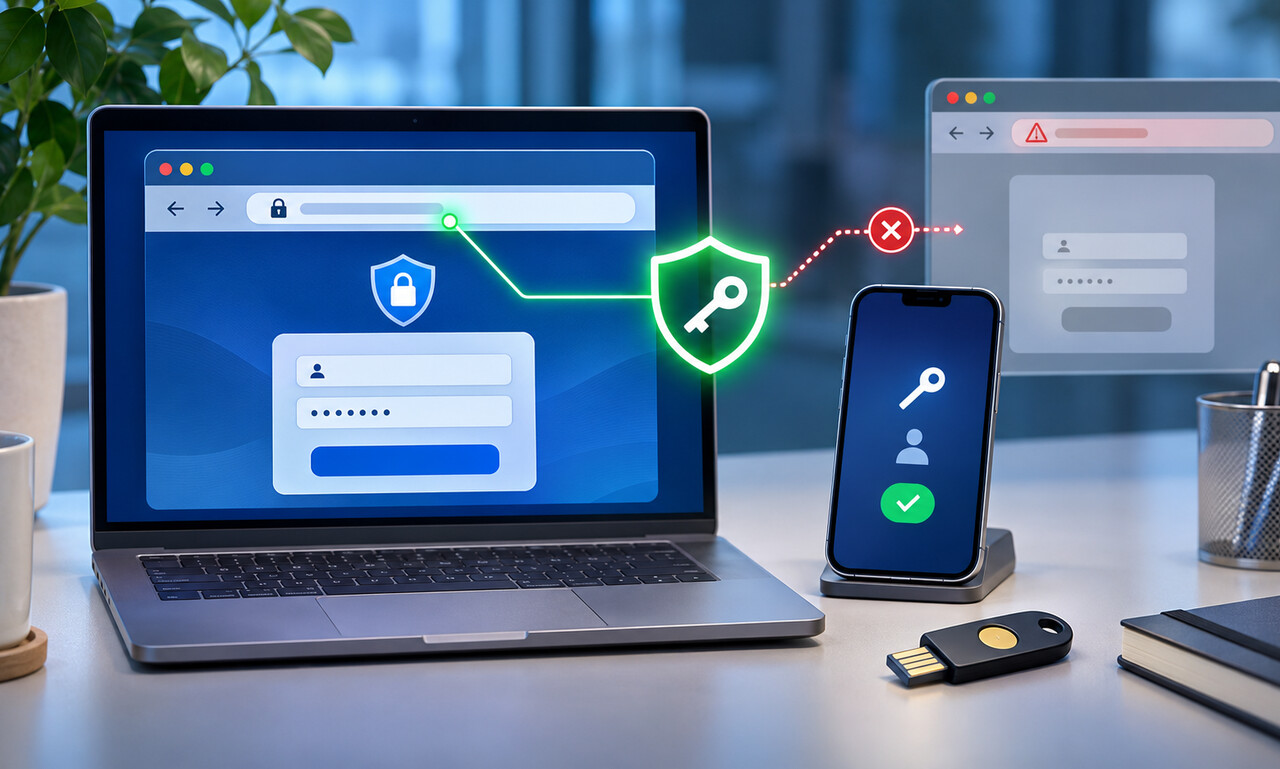
Passkeys use a cryptographic credential registered to a specific service, reducing the risk that a convincing imitation can capture a reusable secret.
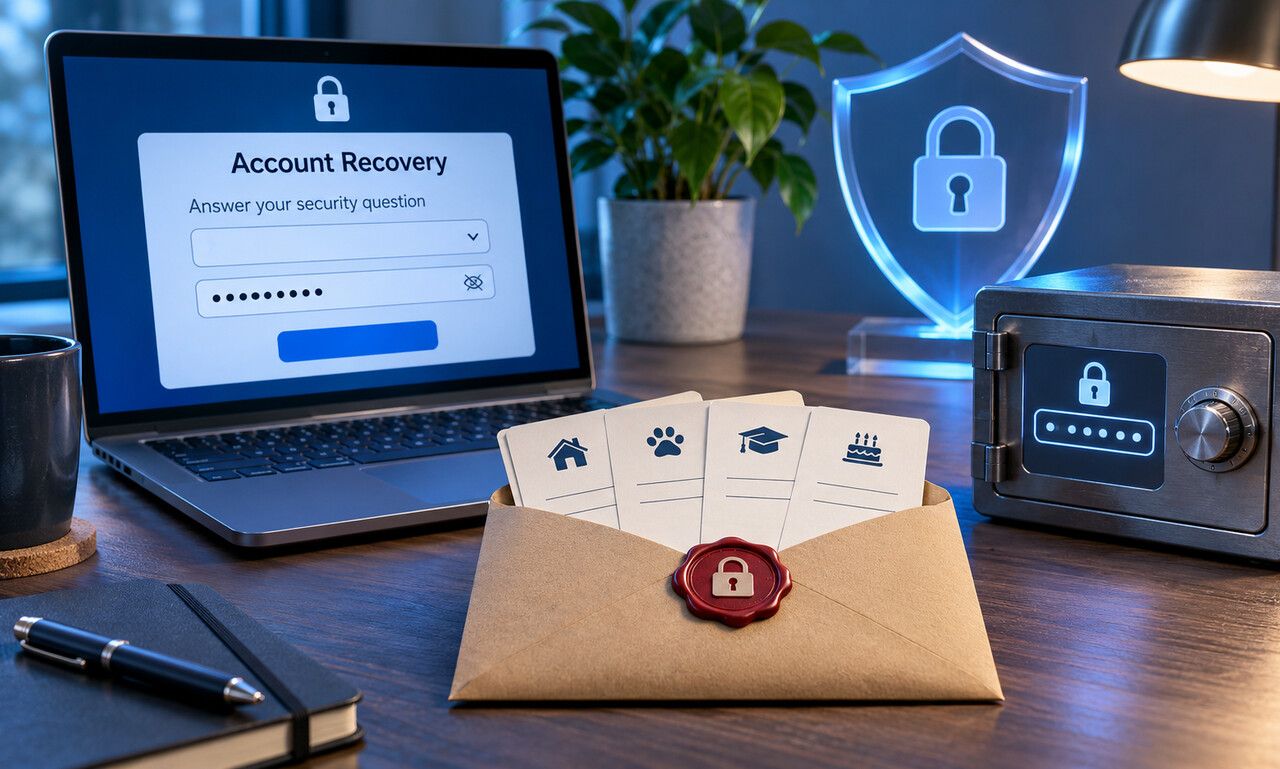
Answers based on family names, schools or favourite places may be public or guessable. Unique stored responses make recovery questions harder to exploit.
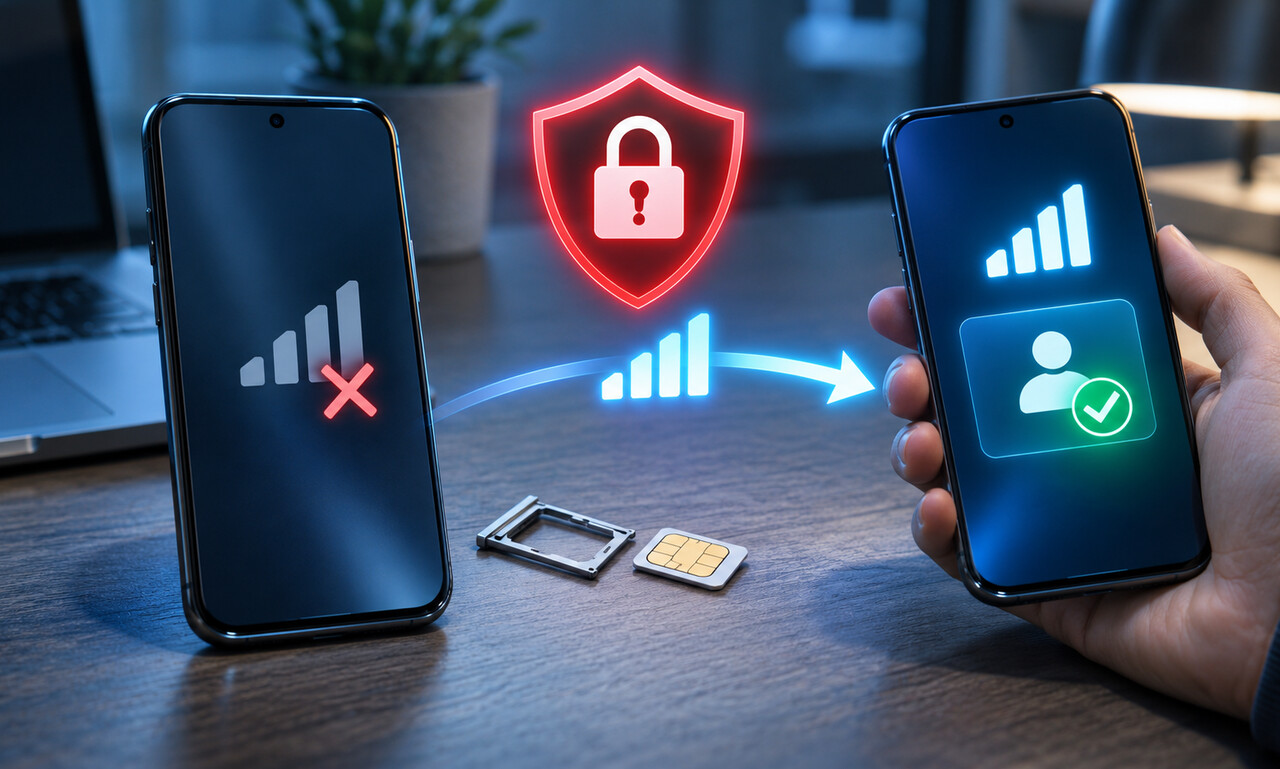
An attacker can persuade a carrier to move your number to another SIM, intercepting calls and text messages while your original device loses service.
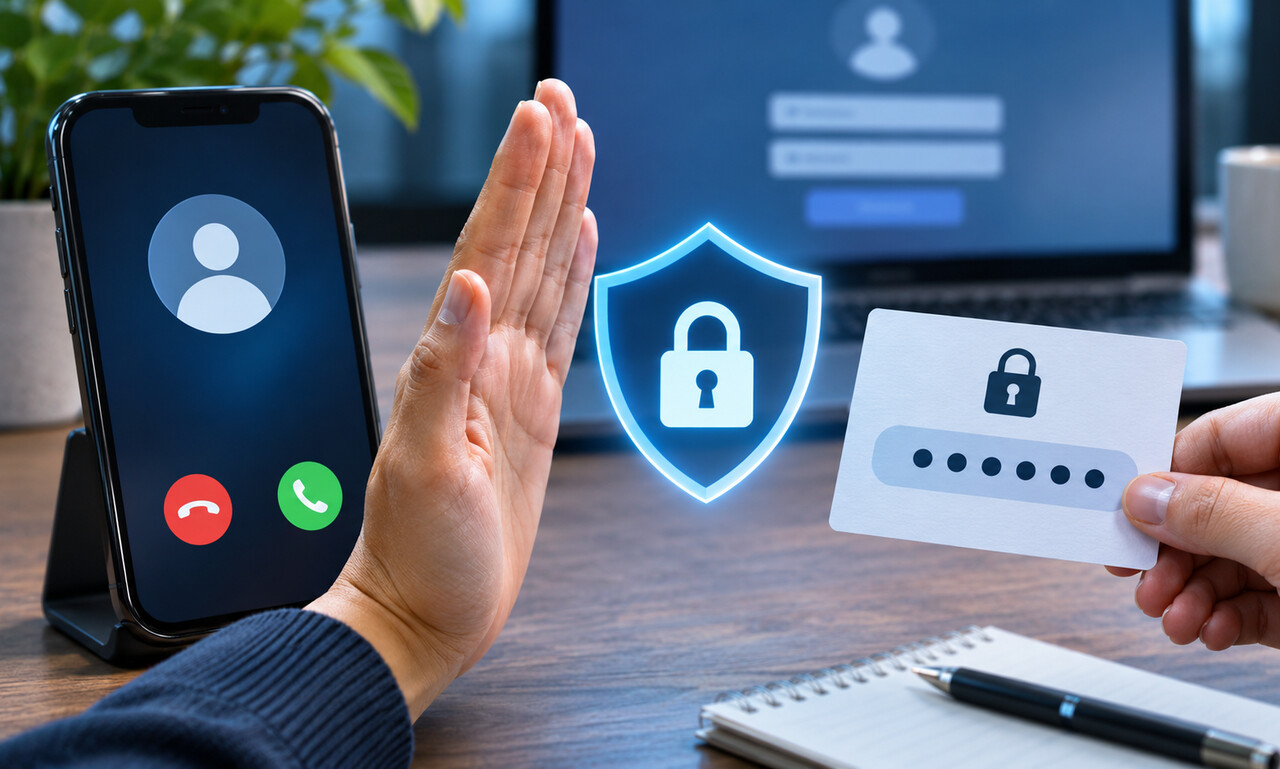
A verification code proves control of your device. A caller asking for it may be trying to complete a sign-in or account reset in your name.
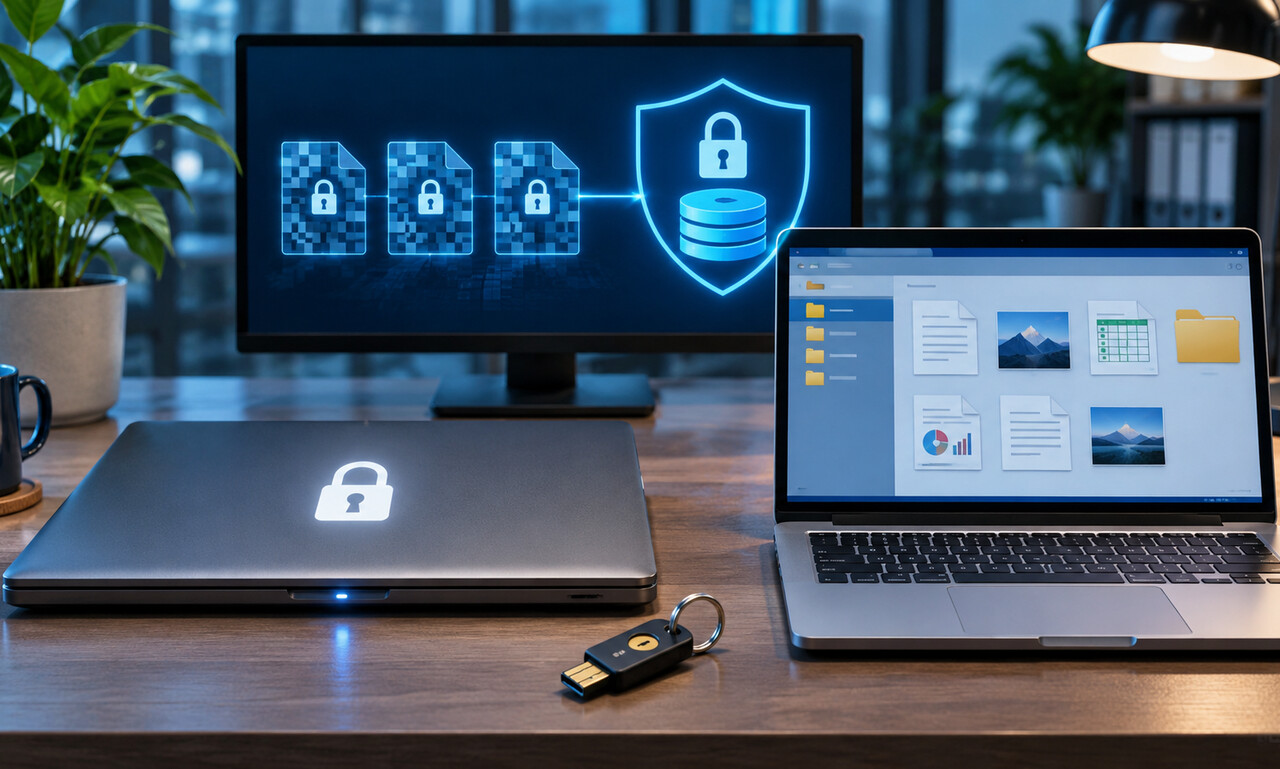
Encryption can protect files on a lost computer or phone, but an unlocked session may already hold the keys needed to read them.
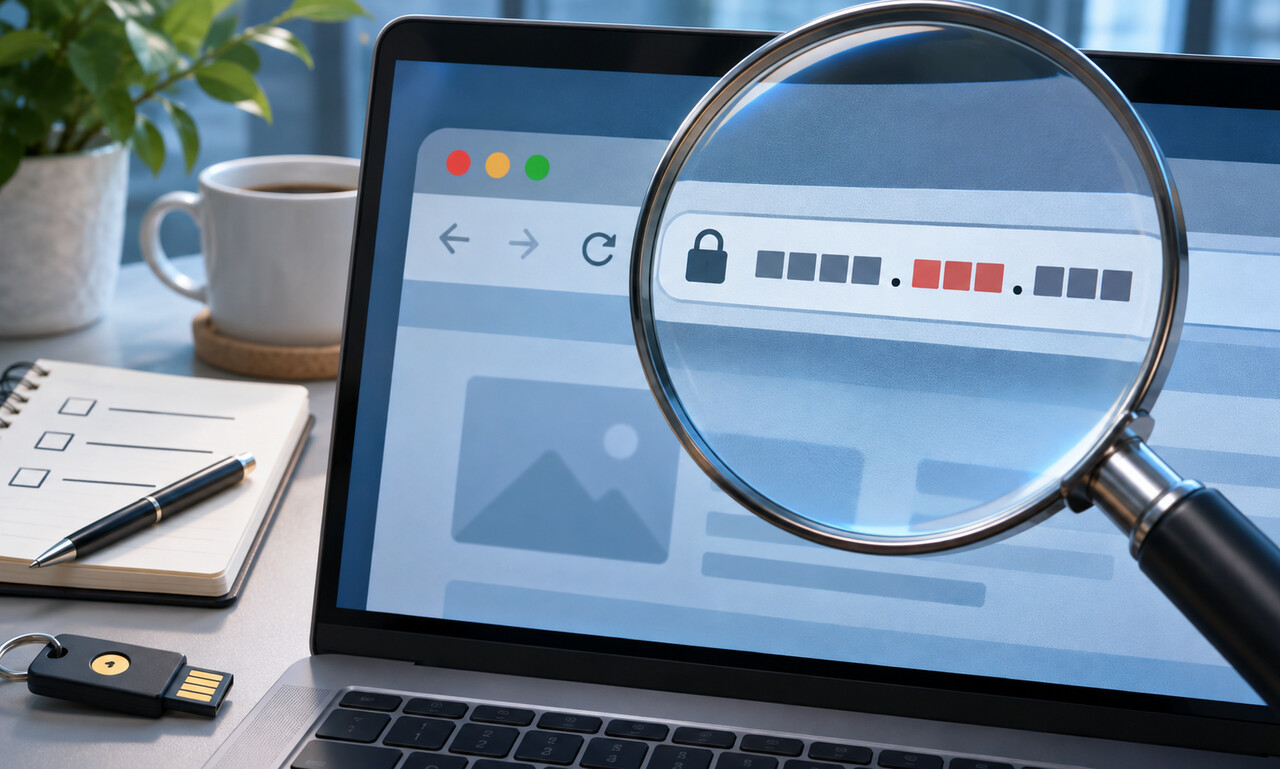
The registered domain sits immediately before the first slash, and misleading words placed farther left may belong only to a deceptive subdomain.
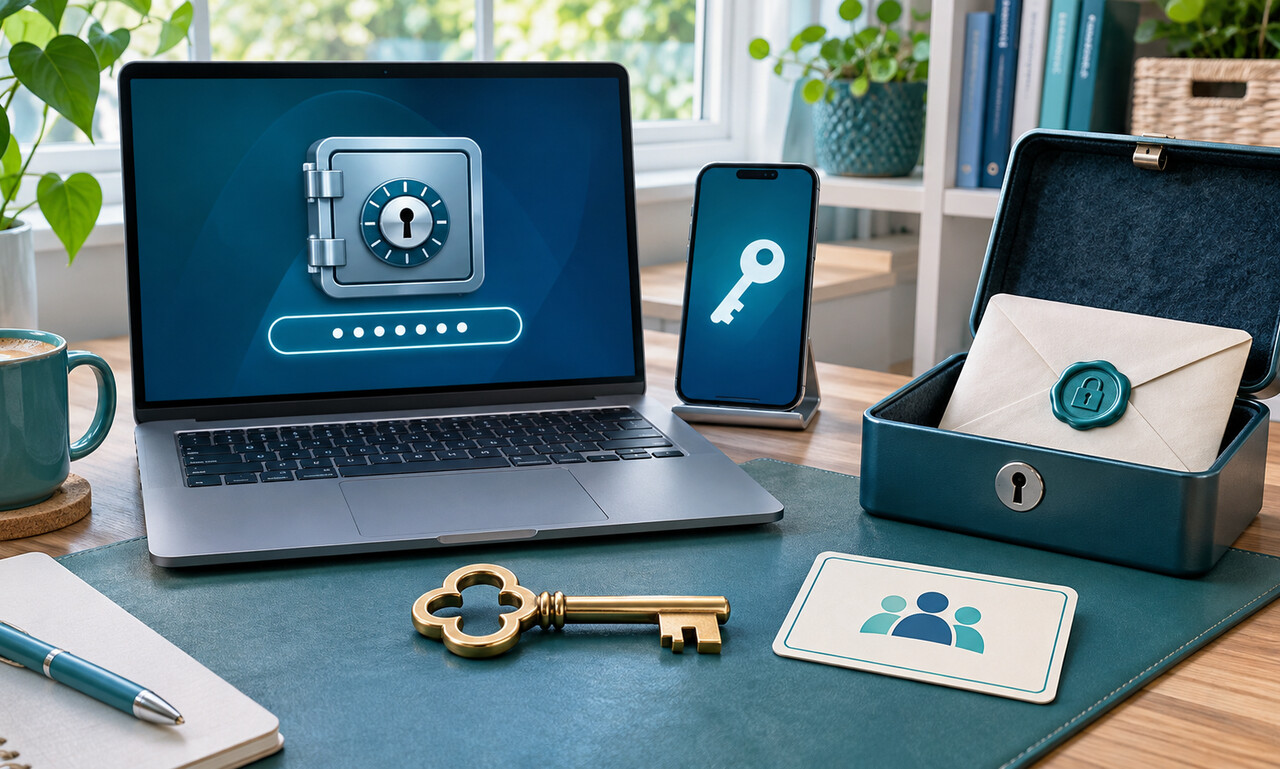
A strong vault needs a safe route back in after a lost device or forgotten passphrase—without creating an easier route for an intruder.
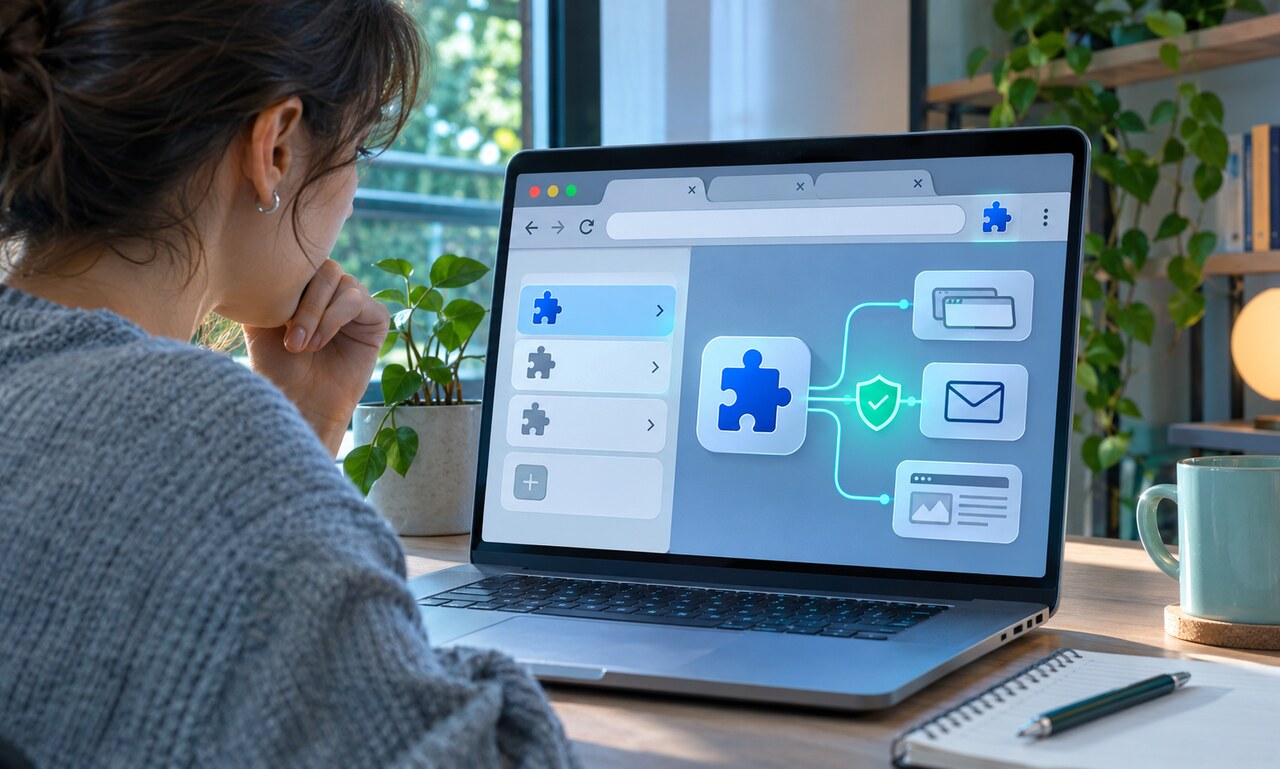
An extension’s permissions may allow it to read tabs, change pages, capture browsing data or act across every site you visit.
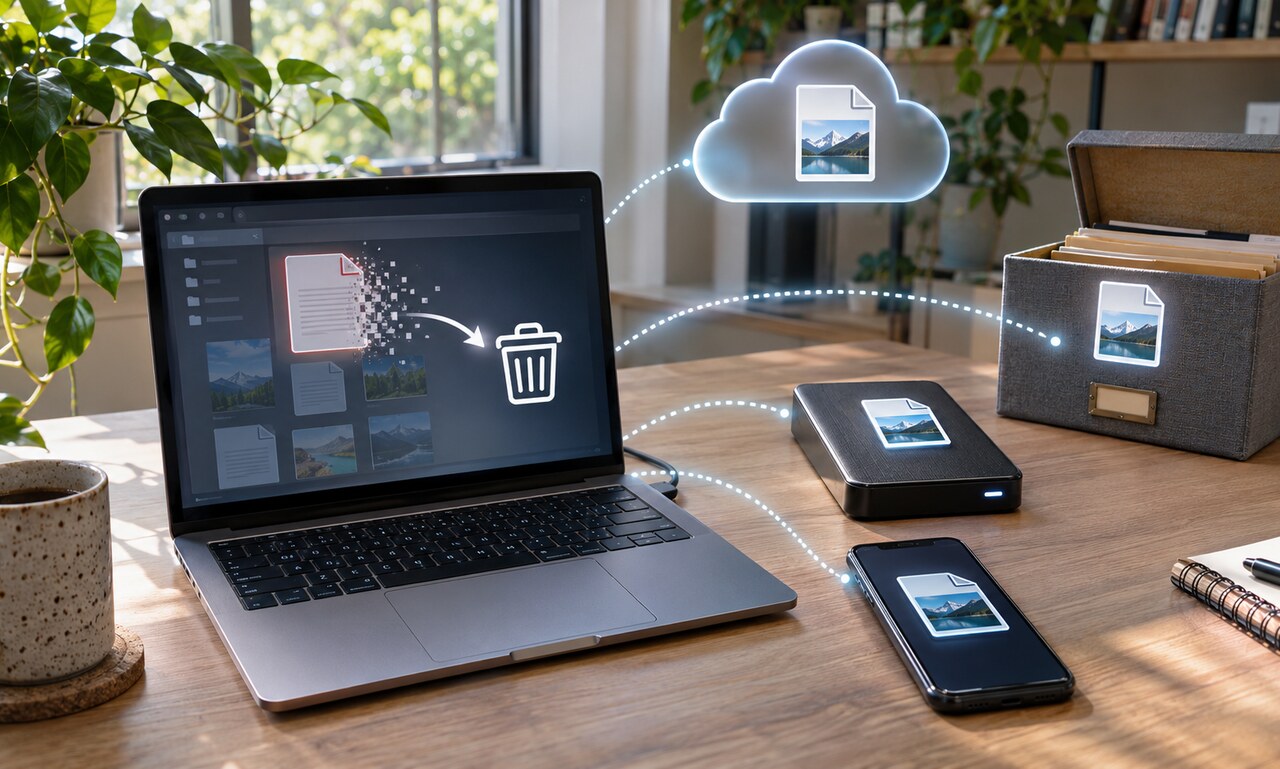
A file may remain in trash folders, synced devices, backups, shared accounts or storage that marks the space as reusable instead of clearing it at once.
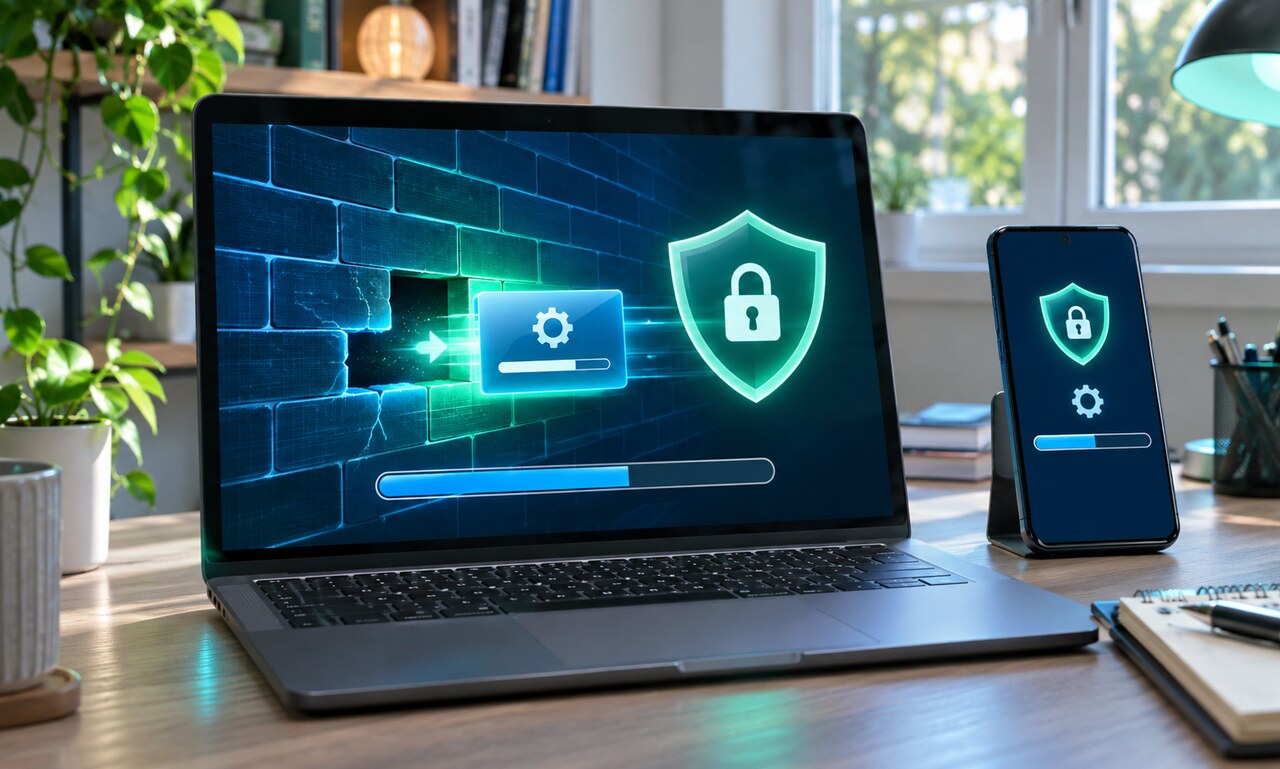
Updates often repair weaknesses that attackers could exploit, so delaying them can leave a working device exposed even when nothing seems wrong.
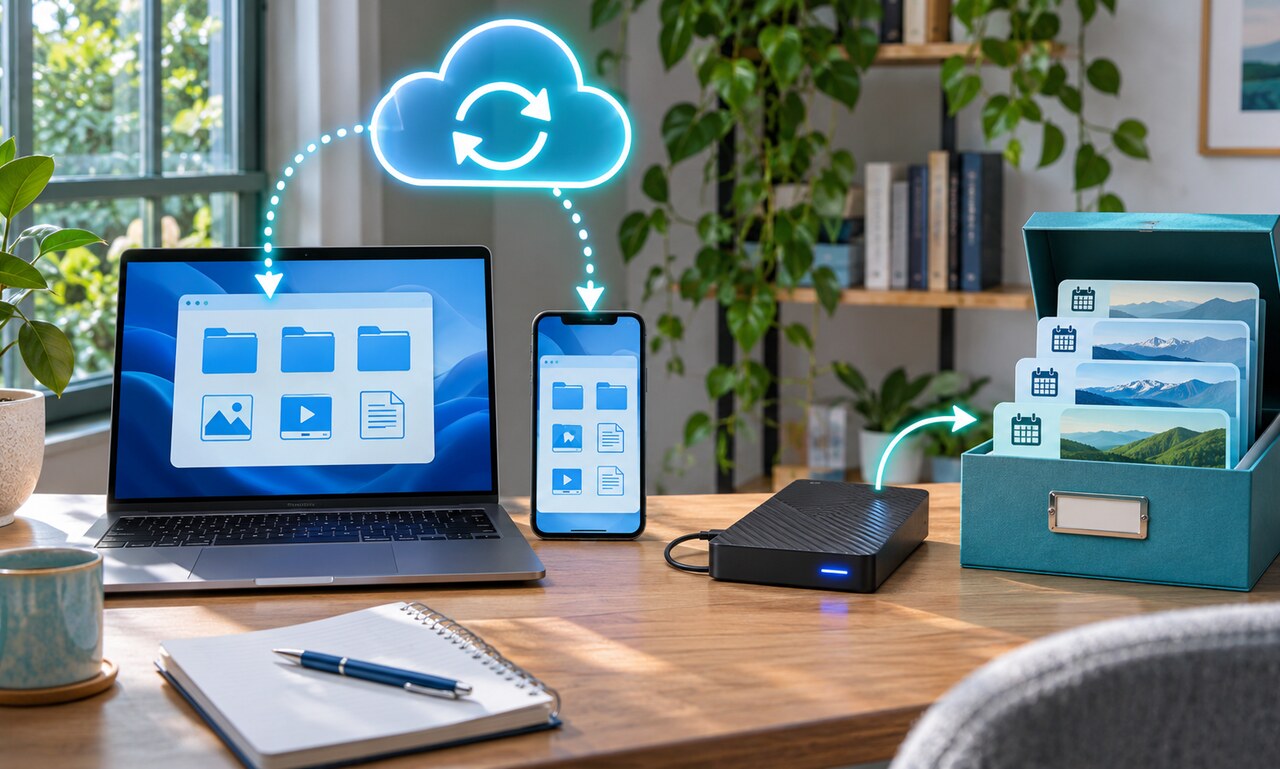
Sync keeps files consistent across devices; a backup preserves separate recoverable copies when files are deleted, damaged or overwritten.
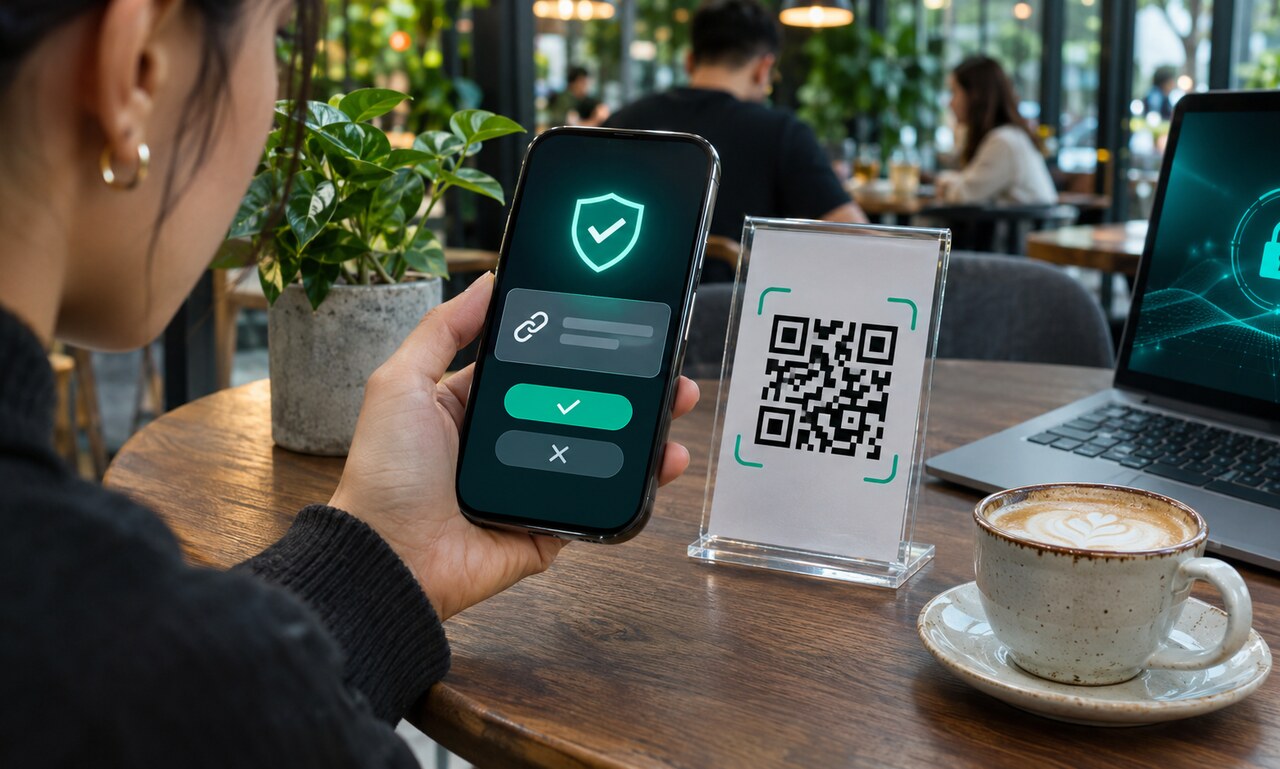
Treat a QR code like a concealed link: preview the address, check the domain and avoid entering sensitive details after an unexpected scan.
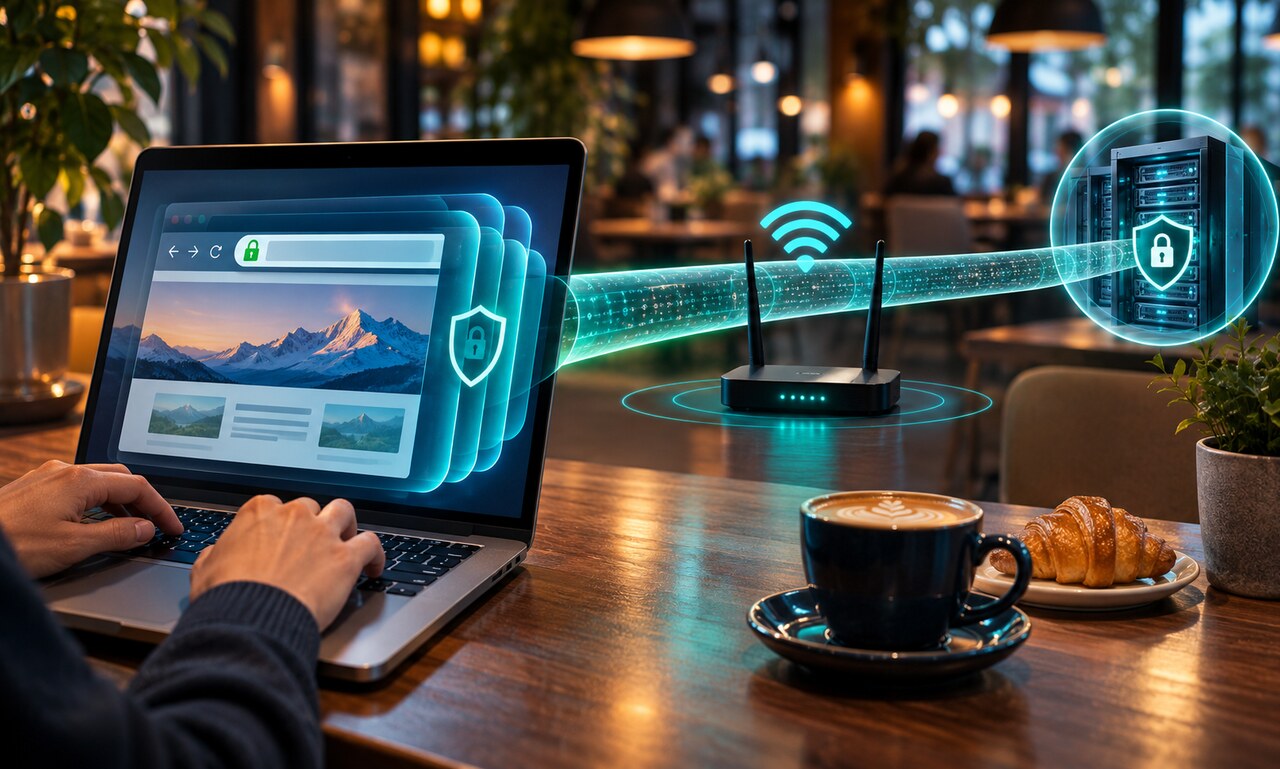
Encrypted websites reduce what nearby observers can read, but the network and the device still require careful choices.
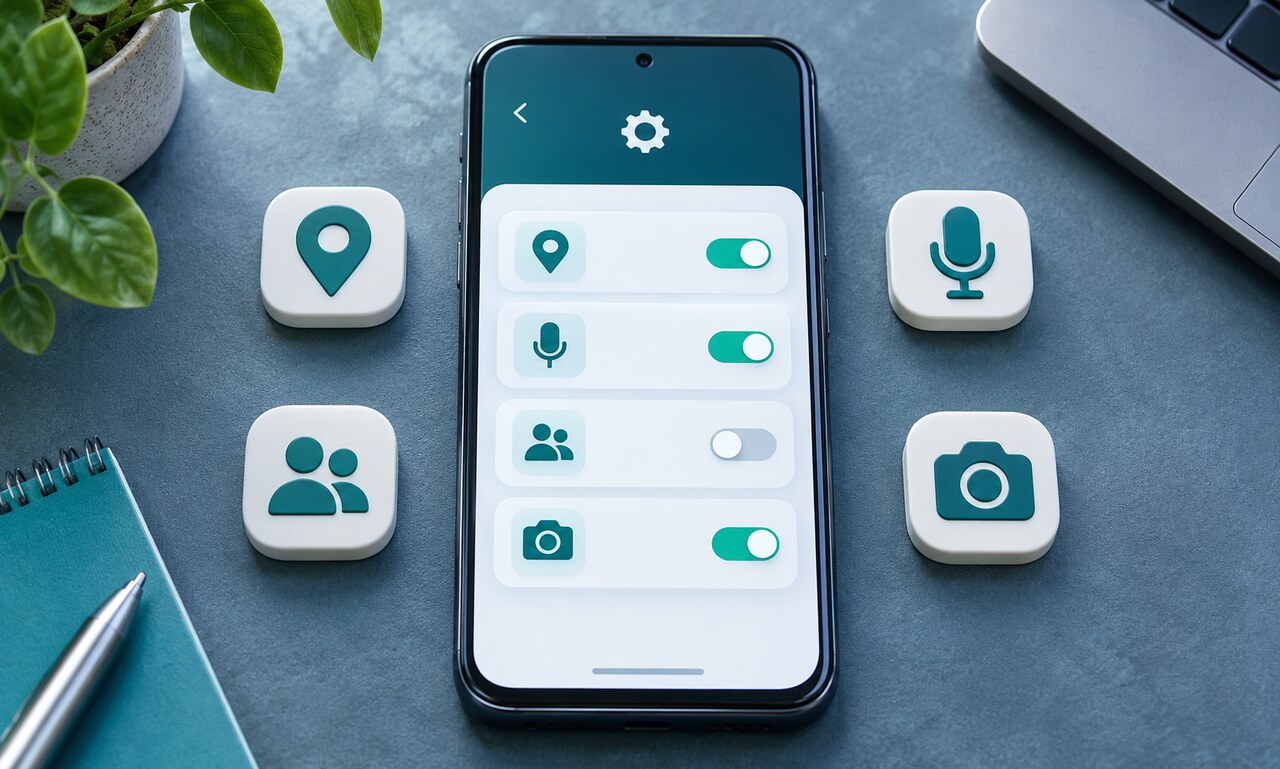
Temporary needs can leave lasting access to location, contacts, photos and microphones long after a task ends.
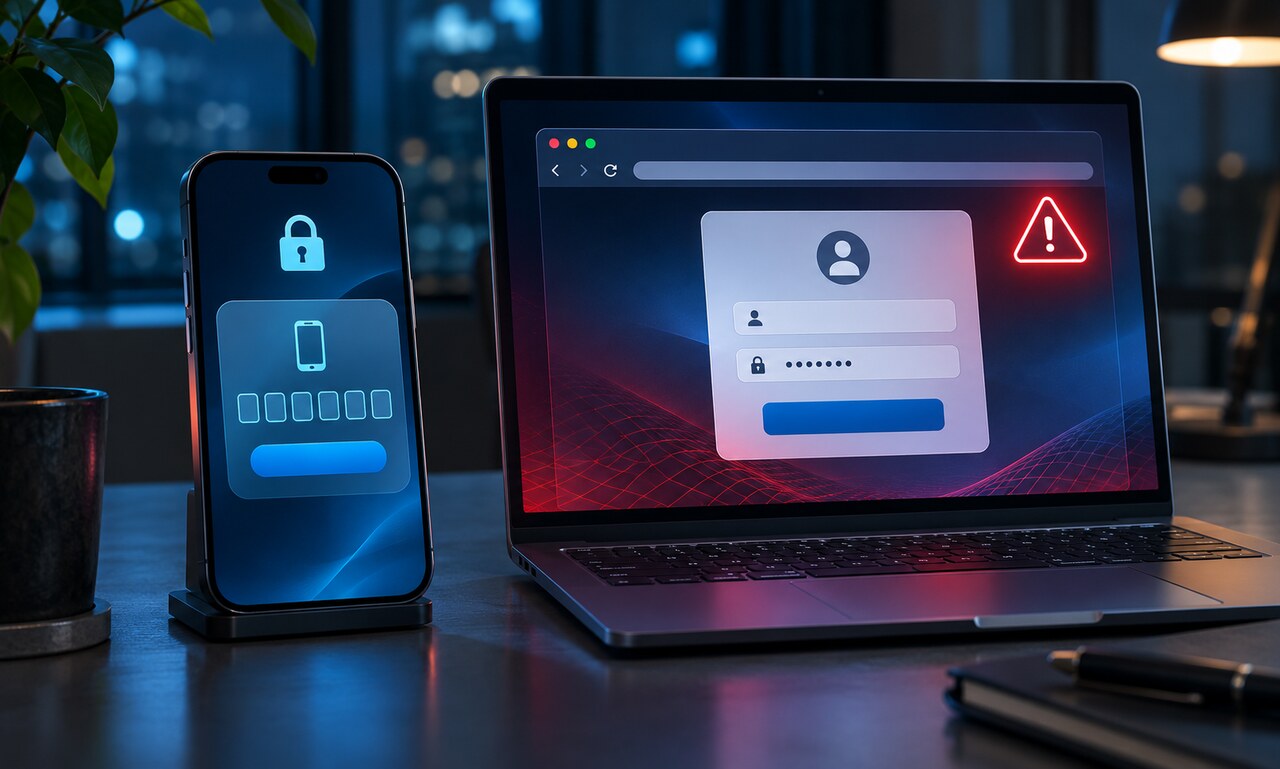
A second step improves account security, but fake sign-in pages and approval fatigue can still defeat weaker methods.

When the same password protects several accounts, a leak from one service can unlock doors elsewhere.
Private mode limits what stays on your device, but it does not erase every record created beyond it.

File details can support an investigation, but missing or editable metadata should never carry the whole argument.