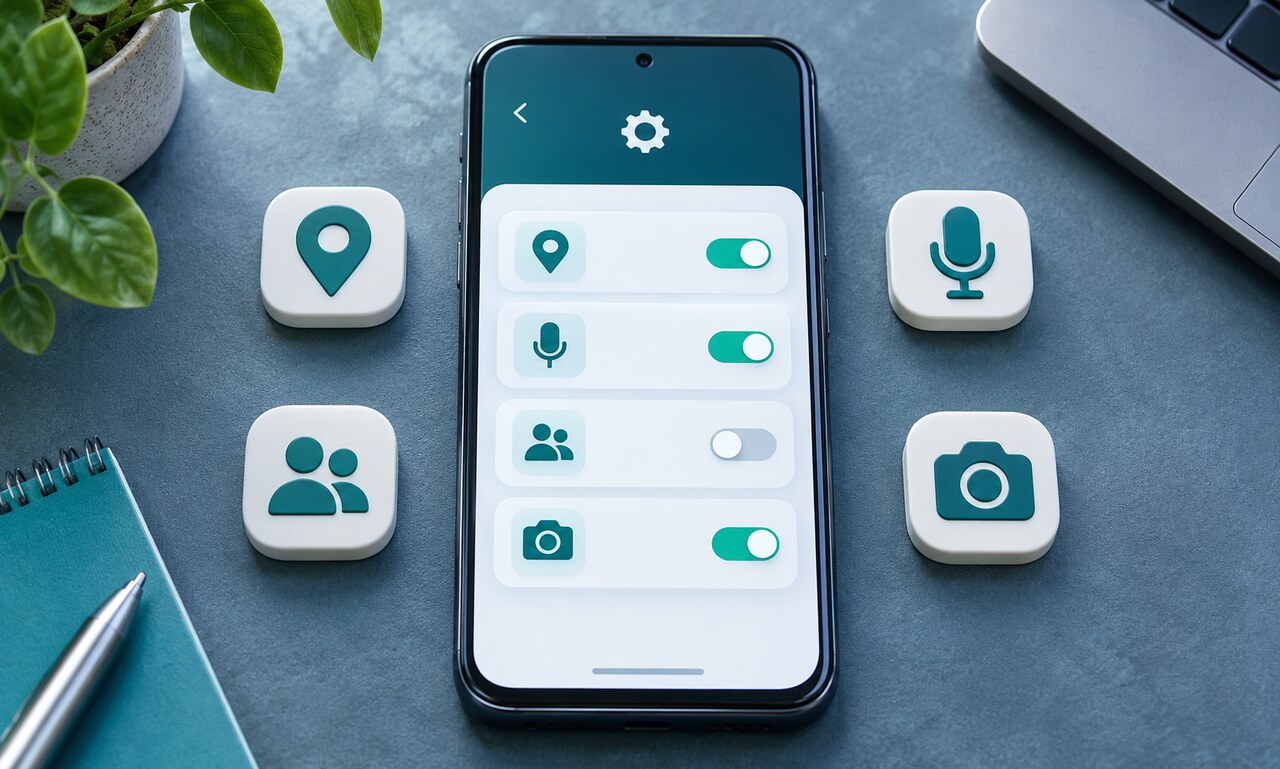
Apps often request access at the moment a feature needs it: location for directions, a microphone for a recording or photos for an upload. The permission can remain after that one task is finished, quietly turning a temporary choice into ongoing access.
Review permissions by category in the device settings. Location, contacts, camera, microphone, photos, nearby devices and background activity deserve particular attention. An app should be able to explain why each permission is necessary for the feature you use.
Choose the narrowest option that works. Many systems allow access only while the app is open, only once, or to selected photos instead of the entire library. Approximate location may be sufficient for local content when precise coordinates are not needed.
Removing a permission may disable one feature without breaking the entire app. Test the change and restore access only if the function genuinely requires it. Delete apps you no longer use, because an unused app can still hold data already collected or retain account access elsewhere.
Permissions are only one layer. Review connected accounts, browser extensions and third-party access from major email and social services. A short check every few months keeps yesterday’s convenience from becoming tomorrow’s unnecessary exposure.
Original educational commentary by Breaking Click. This explainer is designed to help readers evaluate information more carefully.